Quick verdict: Choose Figma when collaboration and handoff need to happen in one shared surface; choose Sketch when Mac-native control and file ownership fit the studio better.
Figma vs Sketch is no longer a simple preference debate. For a studio building client design systems, the decision affects collaboration, file ownership, developer handoff, pricing, and how easily a client can maintain the system after launch. This comparison focuses on design systems rather than general UI design.
This is an editorial desk review based on public product pages, support documentation, pricing or license pages where available, and design-production workflow analysis. It does not claim private lab access, undisclosed vendor briefings, or direct hands-on review unless a page says so. Readers can review About Design Overflow and our editorial policy before relying on any recommendation.
Commercial link: Check current Figma pricing. Design Overflow may earn a commission if a partner credits this link, but the recommendation above is based on fit, license clarity, support risk, and source evidence.
Quick Verdict Matrix
| Option | Best fit | Main strength | Watch before buying |
|---|---|---|---|
| Figma | Studios needing shared access across clients, designers, and developers | Libraries, variables, browser collaboration, and Dev Mode context | Seat types and client access can raise cost |
| Sketch | Mac-native studios that prefer focused file ownership | Libraries, Symbols, Color Variables, Styles, and source documents | Collaboration model may require more process for mixed teams |
| Penpot as a third path | Teams evaluating open-source design collaboration | Open-source ownership and design-code direction | Client familiarity and ecosystem depth vary |
| Documentation layer | Systems that must survive handoff | zeroheight, Storybook, or Frontify can document outside the design file | Extra layer needs maintenance ownership |
| Pricing and ownership | Budget owners and client handoff planners | Forces the team to model seats, files, and long-term access | Often ignored until renewal or offboarding |
What the Design System Needs to Do
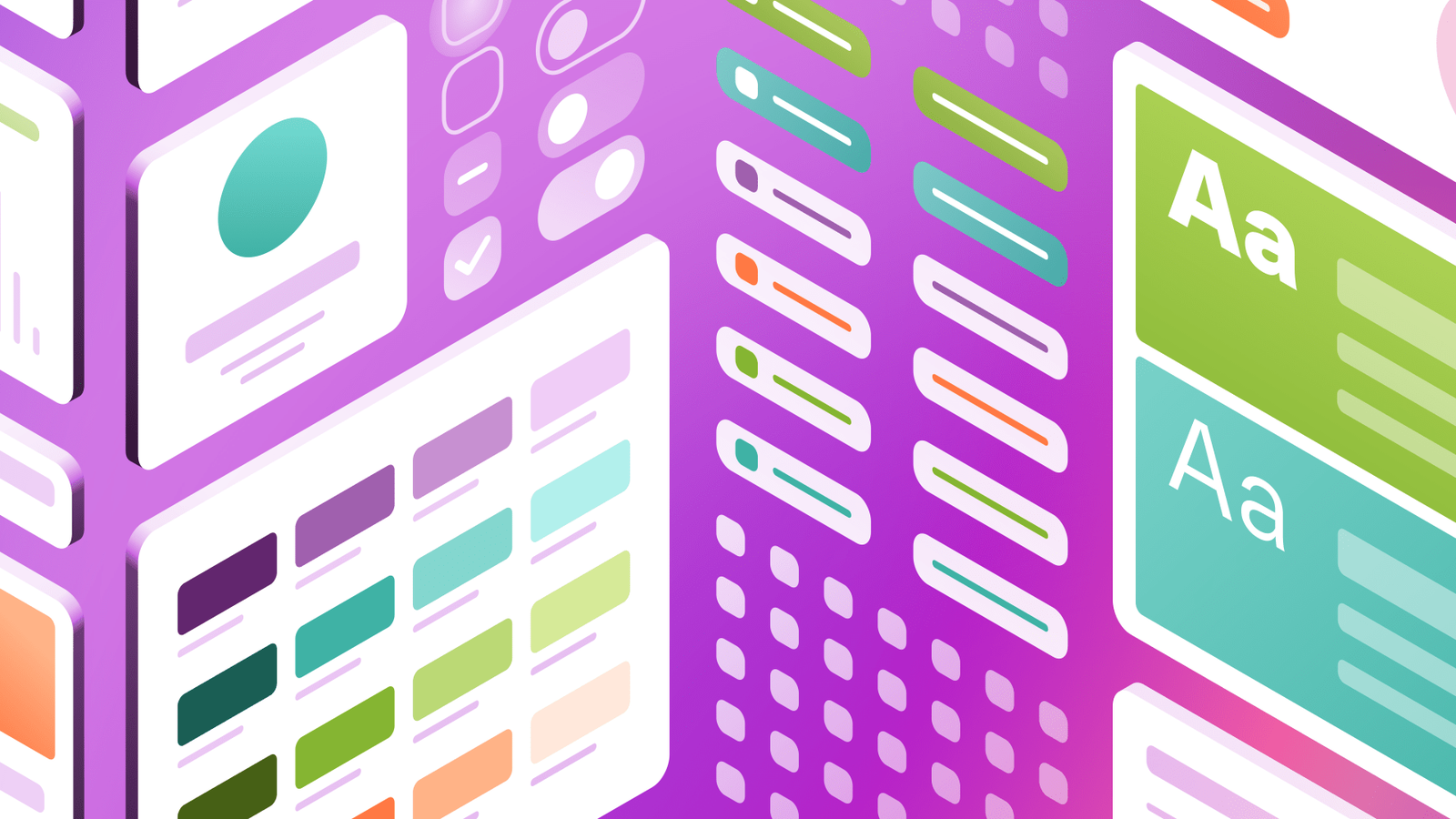
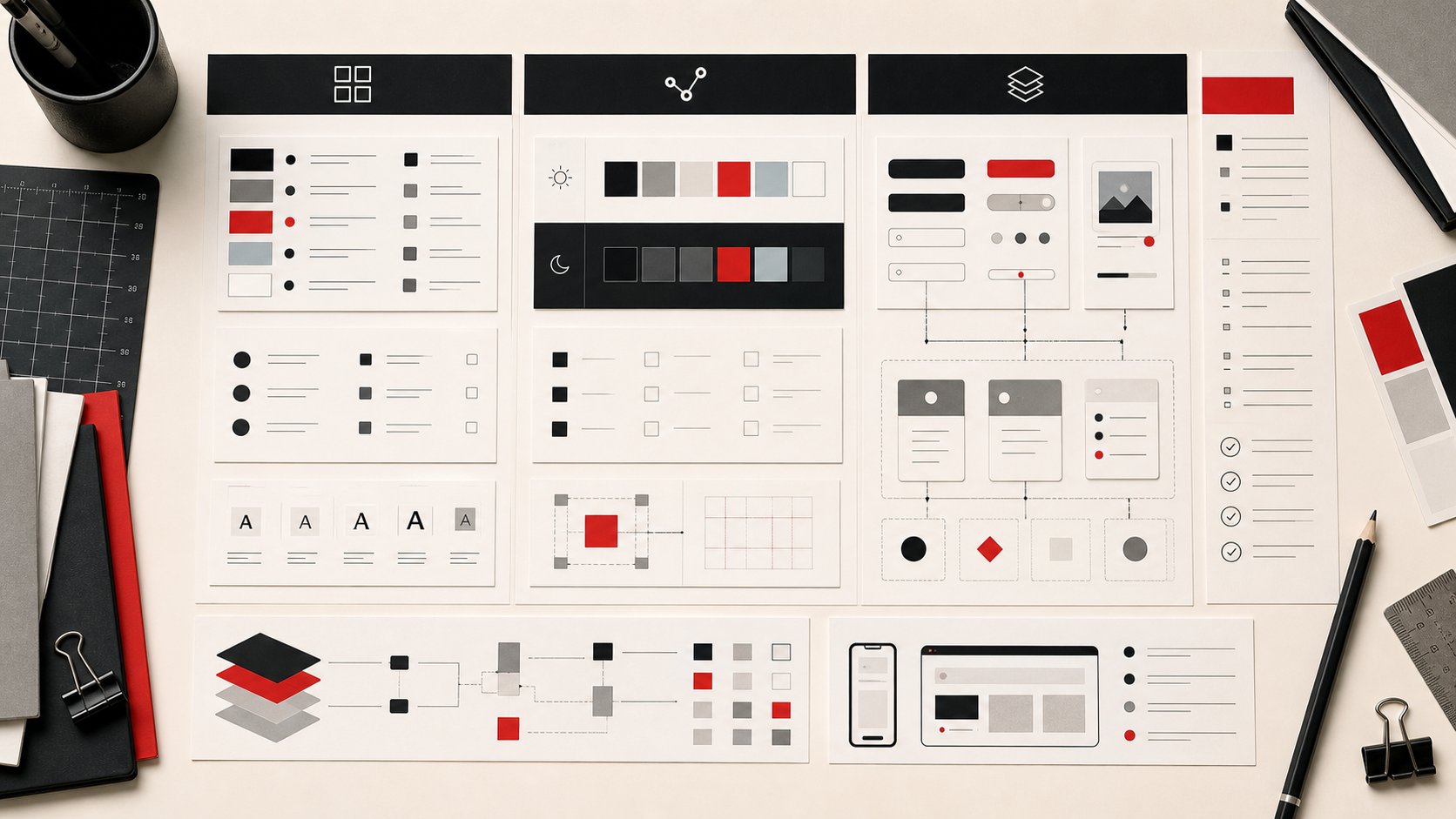
A client design system needs reusable components, naming discipline, tokens or variables, documentation, and a handoff model. Figma emphasizes shared libraries, variable modes, and Dev Mode context. Sketch describes using Libraries as source documents for Symbols, Color Variables, Styles, and frame templates. Both can support system work, but they organize collaboration differently.
Figma: collaborative default for shared systems
Figma is stronger when the system lives in a shared environment and many stakeholders need visibility. Its design systems material emphasizes libraries and variable modes, while help docs explain reusable assets across files. That makes it easier to keep clients, designers, and developers aligned. The risk is account economics: full, dev, and collaborator seats need to be modeled before rollout.
Sketch: controlled Mac-native system work
Sketch remains relevant for studios that value a native Mac app, file ownership, and a focused design environment. Its design-system guidance describes Libraries as source documents for components and variables. That model can be clean when the team is Mac-native and disciplined about library ownership. It is less obvious when clients and developers expect browser-based access.
Penpot as a third path: watch when lock-in is a concern
Penpot is not the direct right-versus-left choice, but it matters when the client values open-source infrastructure or self-hosting. It may not replace Figma or Sketch for every studio, yet it keeps ownership and design-code collaboration in the decision.
Documentation layer: avoid making the design file carry every job
Many studios should separate production design from documentation. Figma or Sketch can anchor the design source, while zeroheight, Storybook, or Frontify may provide the client-facing manual or coded proof. The right design tool is not always the right documentation surface.
Pricing and ownership: decide who owns the system after launch
The choice should include who owns the account, who pays for access, how files are transferred, and what happens when the studio leaves. A technically strong system can become weak if the client cannot maintain access or understand rights after launch.
For agencies, the handoff model often decides the safer choice. Figma can make live collaboration easier during delivery, but it still needs clear account ownership, seat planning, and permissions cleanup after launch. Sketch can suit a Mac-native studio with tighter source-file control, but the client may need a stronger documentation layer so libraries, exports, and maintenance rules remain understandable.
Buyer Scenarios
Use the shortlist against a real production scenario before buying. A solo designer, a three-person studio, an in-house creative operations team, and a client-side brand manager do not have the same risk. The safest decision names the current project, the person responsible for adoption, the budget owner, the license or support risk, and the exit path if the product stops fitting. If the team cannot name those five things, the product may still be interesting, but the buying decision is early.
For client work, document the source, account owner, license or renewal rule, and files that need to remain accessible after the project closes. That handoff discipline is especially important for fonts, stock assets, templates, hardware warranties, and systems that depend on paid seats.
How to Choose Without Overbuying
Choose Figma when collaboration, client access, and handoff visibility are central. Choose Sketch when a Mac-native team wants focused file control and can manage documentation separately. In either case, run one live component through design, documentation, developer handoff, and client review before declaring the system direction.
The practical rule is simple: buy for the bottleneck you can name, not for a feature list you might use later. If the bottleneck is version confusion, fix review status. If the bottleneck is license uncertainty, fix rights documentation. If the bottleneck is color trust, fix the monitor and calibration process. If the bottleneck is production speed, use templates as a starting structure rather than a finished brand decision.
Internal Reading
For related decisions, read design system shortlist, review methodology, font licensing guide, approval workflow comparison. The goal is to connect each purchase to the broader studio system rather than make isolated tool decisions.
Sources Checked
- Figma design systems
- Figma guide to variables
- Figma pricing
- Sketch design systems guide
- Penpot design platform
FAQ
Is Figma better than Sketch for design systems?
Figma is usually stronger for distributed collaboration, browser-based handoff, shared libraries, variables, and client familiarity. Sketch can be stronger for Mac-native teams that value local files and a focused design surface. The better choice depends on who maintains the system after launch and how developers, clients, and designers review changes.
Can Sketch still support design systems?
Yes. Sketch Libraries, Symbols, Color Variables, and Styles can support a disciplined system when ownership and documentation are managed well. It works best when the studio is Mac-native and has clear library governance. Mixed-platform teams may need extra documentation and review discipline so the system remains understandable outside Sketch.
Should a studio use both?
Usually not for the same source of truth. Running both can create duplicate components, naming drift, and unclear ownership unless the team has a strict migration or client requirement. Use one design source for production, then add documentation, code, or prototype layers only when they solve a named handoff problem.
What is the biggest migration risk?
The biggest risk is losing naming discipline, client access clarity, and developer trust during the move. A tool migration should start with one representative component, not the whole system. Prove states, tokens, documentation, handoff, permissions, and archive rules before asking every project to switch at once.
Studio Implementation Notes
For Figma versus Sketch, migration planning should be treated as a content project, not just a file conversion. Create a component inventory, token map, naming rules, ownership model, and handoff note before moving work. Decide which old components are archived, which are rebuilt, and which become references only. If the client has developers, involve them before finalizing naming and variables. If the client has non-design stakeholders, decide where documentation lives. The wrong migration goal is to reproduce every old file; the right goal is to create a system people can maintain.
Final Studio Decision Check
A studio comparing Figma and Sketch should also decide where the client will learn the system. A design file is rarely the whole answer. Clients need plain-language rules, examples, contribution paths, and a record of what changed. If Figma is chosen, the team can keep more of that context near the design work, but still may need a separate documentation surface. If Sketch is chosen, the studio should be deliberate about where library rules, token notes, and developer guidance live. The worst outcome is a technically tidy component library that only the original team understands. The best outcome is a system where a new designer, developer, or client stakeholder can find the approved pattern and understand why it exists.
Production Proof Before Purchase
A final pre-purchase check should include one real project artifact. For software, use a live component, proof, template, font, or asset instead of a theoretical example. For hardware, place the device in the actual desk setup and confirm cable reach, lighting, ergonomics, warranty, and support path. For marketplaces and licenses, record the exact source, permitted use, account owner, and handoff note. This practical check keeps the decision grounded in production rather than preference. It also gives the studio a reusable audit trail if the client asks why the product was chosen later.
Decision Record
One more safeguard is to write the decision in plain language before purchase: what problem is being solved, what evidence supports the choice, who maintains the tool or asset, what would make the team replace it, and which source should be checked when terms change. That note is small, but it prevents future readers from mistaking a dated preference for a current recommendation.